
Introduction: Excel and AI – a combination that transforms accounting
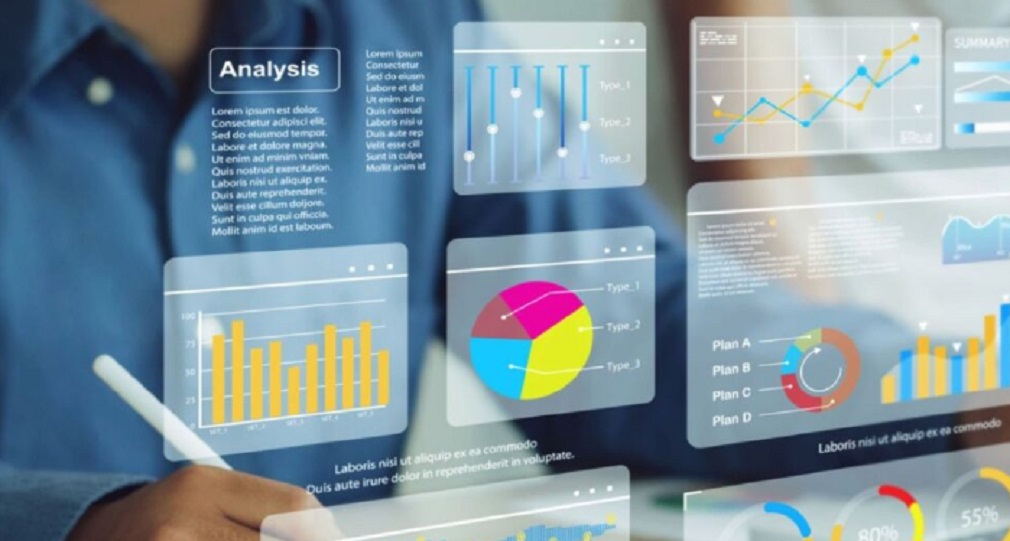
The new Excel is no longer just a collection of formulas and tables – it now holds the power of Artificial Intelligence (AI). This means not only faster calculations, but also suggestions, automatic analyses, and predictions that change the way business is done. Accountants, financial experts, and analysts now have a tool that unites tradition and the future in a single document.
1. AI-powered analysis in one click
In the past, detailed insights required combining SUM, IF, and Pivot Tables. Today, Excel’s AI suggests how to group data and create summary tables. Instead of ten formulas – you get a ready-made result with a single click. This frees up valuable time that can be invested in client consulting or strategic analysis.
2. Forecasts and trends
Trend lines have existed before, but the new AI functions use historical data to predict future expenses or income. Today, an accountant can show a client what finances will look like three months ahead – without additional software. This creates confidence and helps managers and business owners make better decisions.
3. Automatic data cleaning
Errors, duplicates, and empty cells used to be solved by combining TRIM, CLEAN, and manual checks. Now AI recognizes typical problems, suggests fixes, and cleans your database automatically. The result is a reliable table ready for further processing, without exhausting manual work.
4. Intelligent queries (Copilot in Excel)
Instead of complicated formulas, you can now type a natural language question:
“Show me all fuel expenses in the last three months” – and Excel generates a table. This opens the door to everyone who is not an expert in formulas, because AI understands the logic of your question and translates it into the proper data analysis.
5. Comparison with old functions
Functions like SUM, VLOOKUP, and INDEX are still there, but AI makes them better. While VLOOKUP required an exact column order, AI finds data contextually – even when it is not perfectly structured. This means greater flexibility and less dependence on rigid rules. Accountants can now achieve results faster, with fewer frustrations and technical barriers.
6. Better reports and visualizations
AI generates charts based on text: you type “Create a chart of income by month” – and you get a professional diagram without extra settings. For managers and clients this means clear insights without complicated explanations – charts speak for themselves.
7. Strengthening professional reputation
Accountants and analysts who use AI in Excel appear modern and innovative. This sends a clear message: “I use the latest technology to ensure the security and accuracy of your data.” Professional image and reputation are strengthened, while clients gain additional trust.
8. Practical examples of improvements
- AI expense comparison: In the past, you had to create complex Pivot Tables. Now AI itself suggests comparing January and February, with a visual breakdown of rising costs.
- Automatic posting: You enter transactions, and AI automatically categorizes them.
- Smart forecasting: While old charts only showed the past, AI suggests the future trend.
- VAT data cleaning: AI instantly detects errors in VAT rates and suggests corrections.
- Cash flow analysis: Previously you needed complex formulas for cash flow. Now AI automatically projects income and expenses by month.
You will find many more examples in my Excel & AI handbook, written so that accountants can apply new knowledge immediately.
👉 Visit my official website and get bonus materials
👉 For other Microsoft Office programs, visit the official Microsoft website.
Real-world statistics
According to a study by the consulting firm CPA Practice Advisor, companies using AI in Excel reduced manual work by more than 50% and reported a 70% increase in productivity. This means thousands of hours saved each year and a drastically lower error rate. In the past, accountants spent hours on data entry – today they spend that time on analysis and decision-making.
Read the following blogs on this topic:
How Excel and Artificial Intelligence Can Transform Accounting
MS Office Suite Then and Now with Artificial Intelligence
Why every accountant should use Excel – and why now is the right time
Conclusion: Excel with AI is your next step
If until now you only used basic functions, now is the time to move to the next level. AI in Excel is not complicated, but guidance is needed. My handbook leads you step by step – from old formulas to modern AI tools.
Don’t wait. Start using AI in Excel today and take your business to the next level.
👉 Check out my YouTube channel IKANOS SINHRONOS, where I explain practical Excel tricks.
As an additional resource alongside the main handbook, a new Mini Excel – Your Fast Guide to Smart Data Processing is now available. This compact edition contains the most essential techniques from the full manual, designed for accountants and finance professionals who want immediate, practical results. The mini handbook highlights only the most impactful tools, shortcuts, and AI functions that drastically accelerate everyday tasks. With this concise format, you can master in minutes what would normally take hours of learning. And if you find this quick guide valuable, you can always switch to the full handbook for a deeper and more comprehensive learning experience.